AI Productivity / CAD / Design Automation

Adam Fusion Extension

An AI copilot for Autodesk Fusion 360 that installs as a Fusion add-in and lets users chat with the Adam palette inside the CAD app.

Clear28/30
Useful25/30
Specific16/20
Complete13/20
Adam Fusion Extension screenshot

Why it was accepted

The page clearly describes a real AI product for a specific workflow: an AI copilot for Autodesk Fusion 360. It includes concrete install instructions for macOS and Windows, a manual install option, startup behavior, sign-in notes, and support links, which gives enough evidence for a useful directory listing.
Weakness

The snapshot focuses on installation, so a visitor still cannot see supported tasks inside Fusion, example prompts, pricing details beyond a free tier, or whether there are limitations compared with other CAD assistants.

Review status

73 days ago #795 ↓ -193

Last evaluated 73 days ago. Current rank #795. Down 193 spots in the rankings.

Score history

8084848482

Related listings

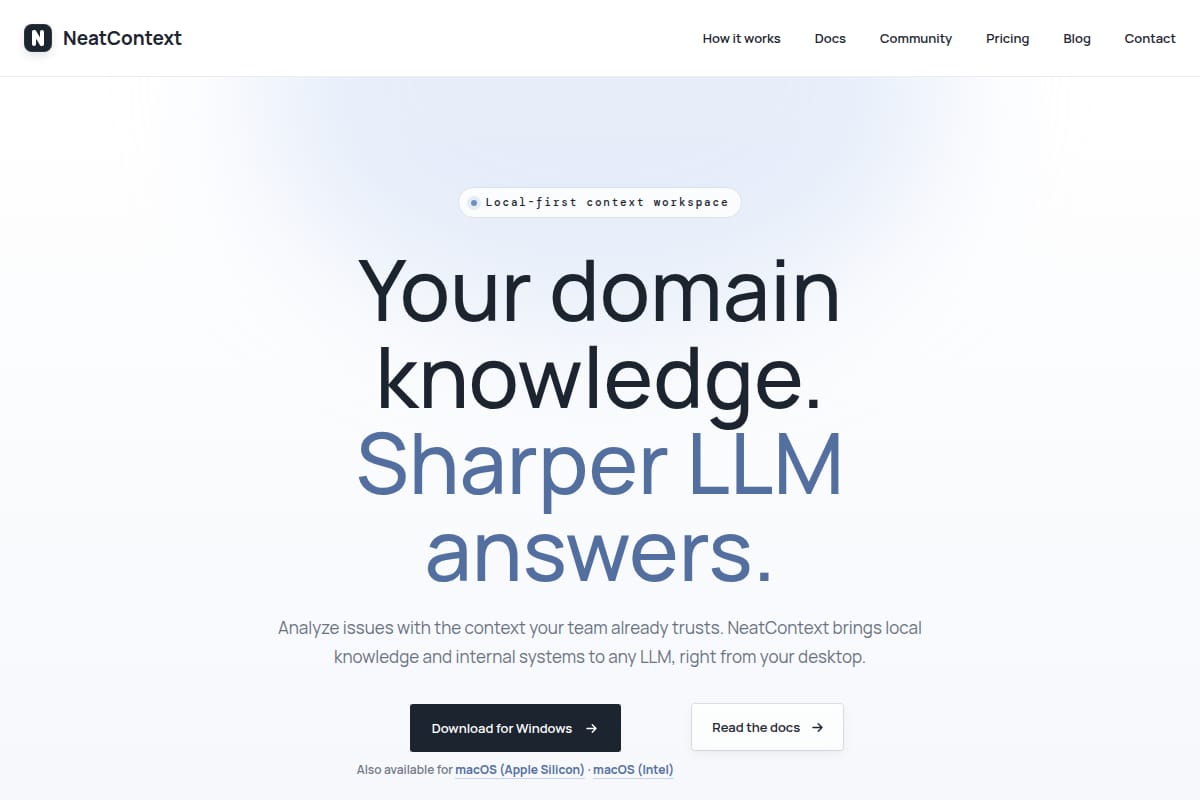
NeatContext screenshot
88

AI Productivity / Developer Workflow

NeatContext is a local-first desktop workspace that adds team-specific knowledge and read-only internal tools to LLMs so they can give grounded operational answers. The page shows incident-response examples, Markdown-based profiles, MCP integration, and support for multiple model providers.

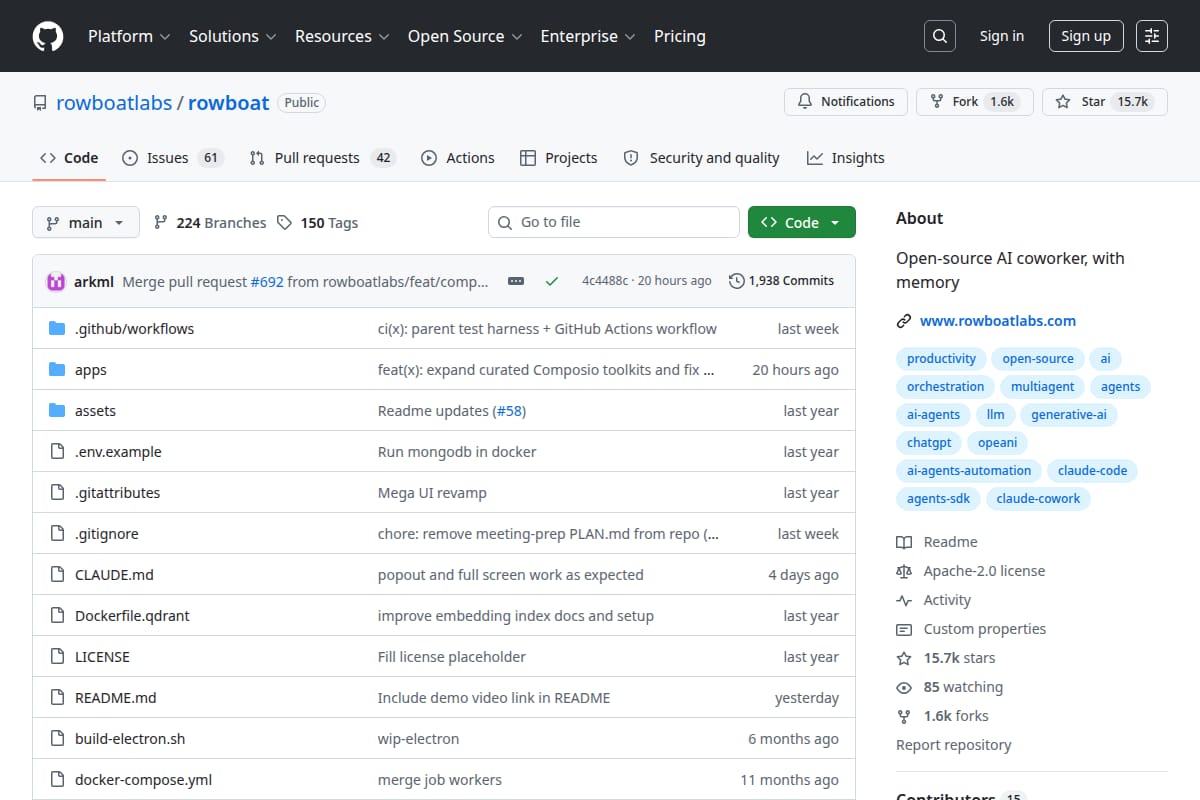
Rowboat screenshot
#107 Rowboat
88

AI Productivity / Desktop AI Assistant

Rowboat is an open-source desktop AI coworker that keeps long-term memory in a local Markdown knowledge graph and includes built-in surfaces like email, browser, notes, meeting transcription, and code mode.

Kontext screenshot
#192 Kontext
87

AI Productivity / Chat assistants

A local-first browser extension that captures a ChatGPT or Claude conversation, summarizes it into a portable handoff, and helps continue the chat in another AI in one click.

Odysseus screenshot
#536 Odysseus
84

AI Productivity / AI Workspace

Self-hosted AI workspace with chat, agents, deep research, document editing, email triage, notes, calendar, and model comparison. The README includes setup instructions for Docker and native installs, plus a broad feature list and demo references.