AI Product / Visual Interface

Monogram

Monogram is an AI app that turns prompts into an interactive visual interface instead of plain text. The page shows a live product pitch, demo entry points, and example use cases like recipes, movies, birthday planning, restaurant search, and EV comparisons.

Clear26/30
Useful20/30
Specific14/20
Complete14/20
Monogram screenshot

Why it was accepted

The page clearly presents a real AI product with a specific interaction model: users ask anything and Monogram responds with a visual, interactive interface. The crawl includes product messaging, download/demo calls to action, example tasks, and enough evidence to list it as a public AI app.
Weakness

The snapshot does not show how the app works in practice, what models or data sources it uses, or whether it is available on web, iOS, or Android. There are also no screenshots, feature details, or documentation beyond the marketing copy and demo prompts.

Review status

53 days ago #1762 ↓ -1

Last evaluated 53 days ago. Current rank #1762. Down 1 spot in the rankings.

Score history

74

Related listings

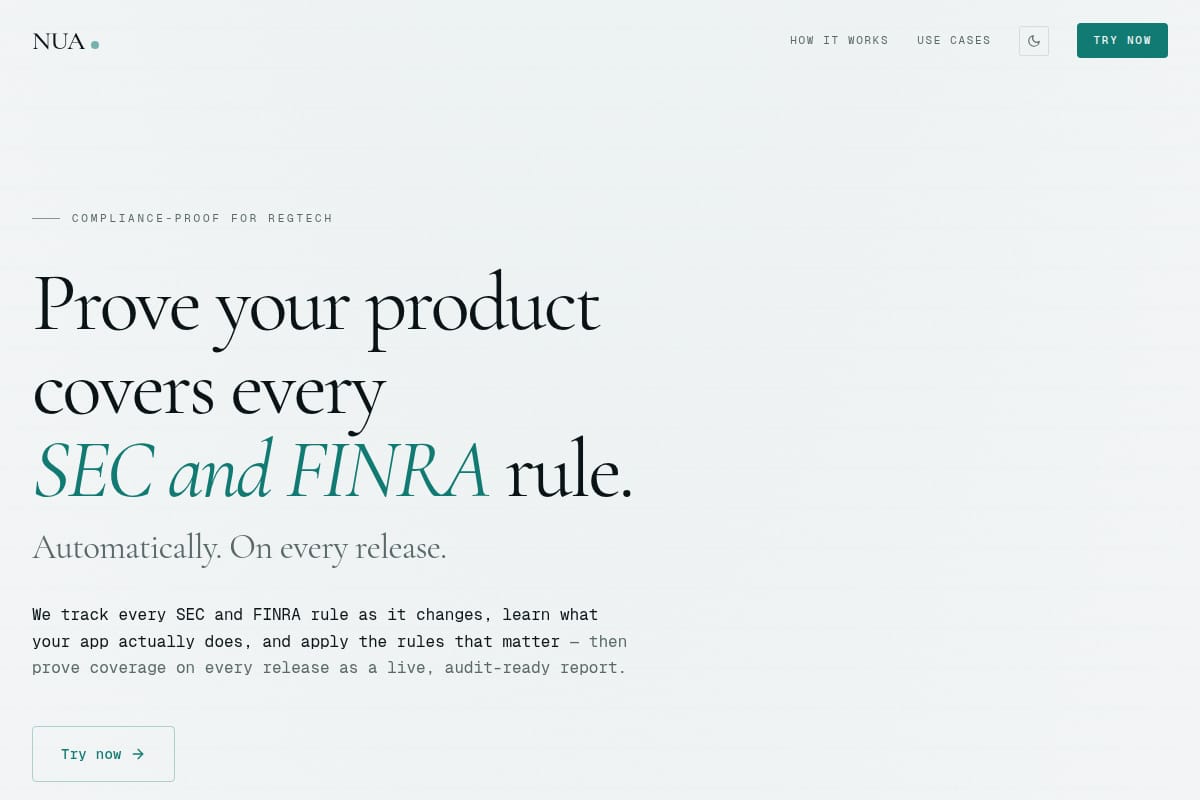
NUA screenshot
#287 NUA
88

AI Product / Compliance / RegTech

NUA is a compliance-testing agent for regtech teams. It ingests rules, runs generated checks against a product, flags gaps, and produces an audit-ready coverage report that updates on every release.

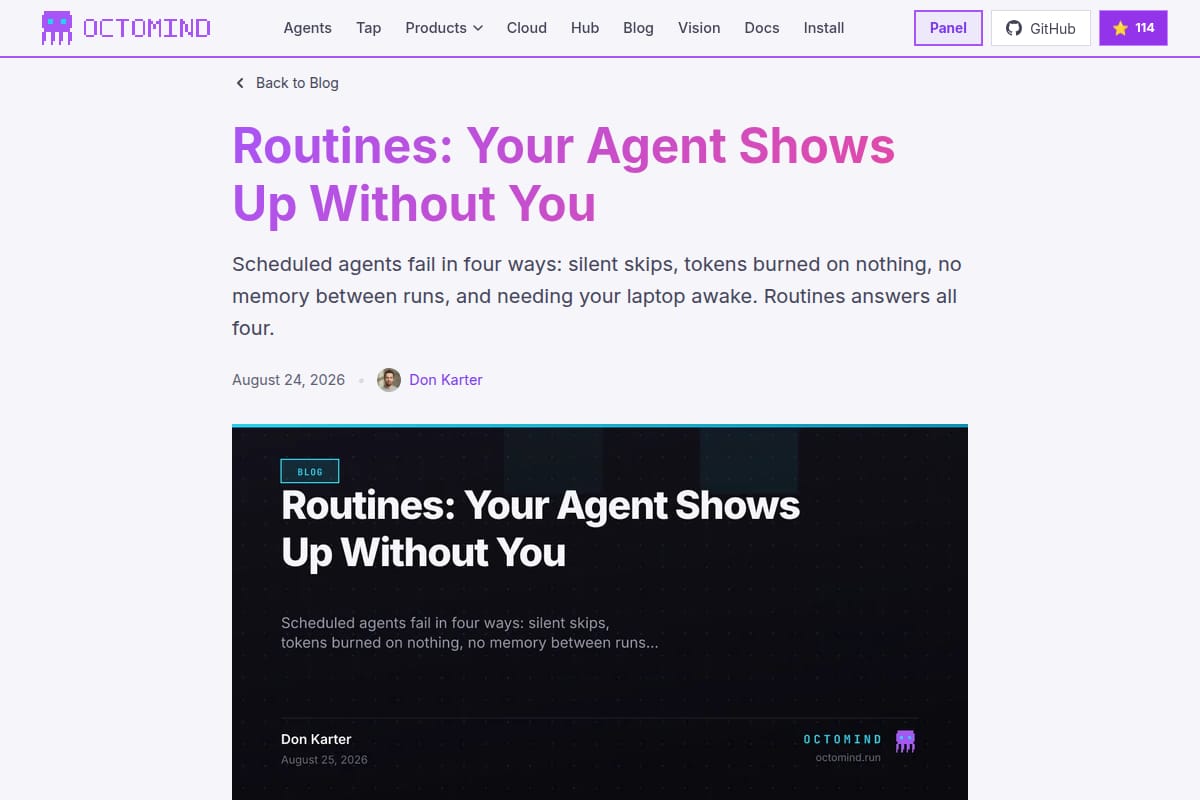
Octomind Routines screenshot

AI Product / Scheduled Agents / Automation

Octomind Routines is a scheduled-agent product for running agents on persistent cloud machines with visible run history, state files, cost controls, and timezone-aware scheduling.

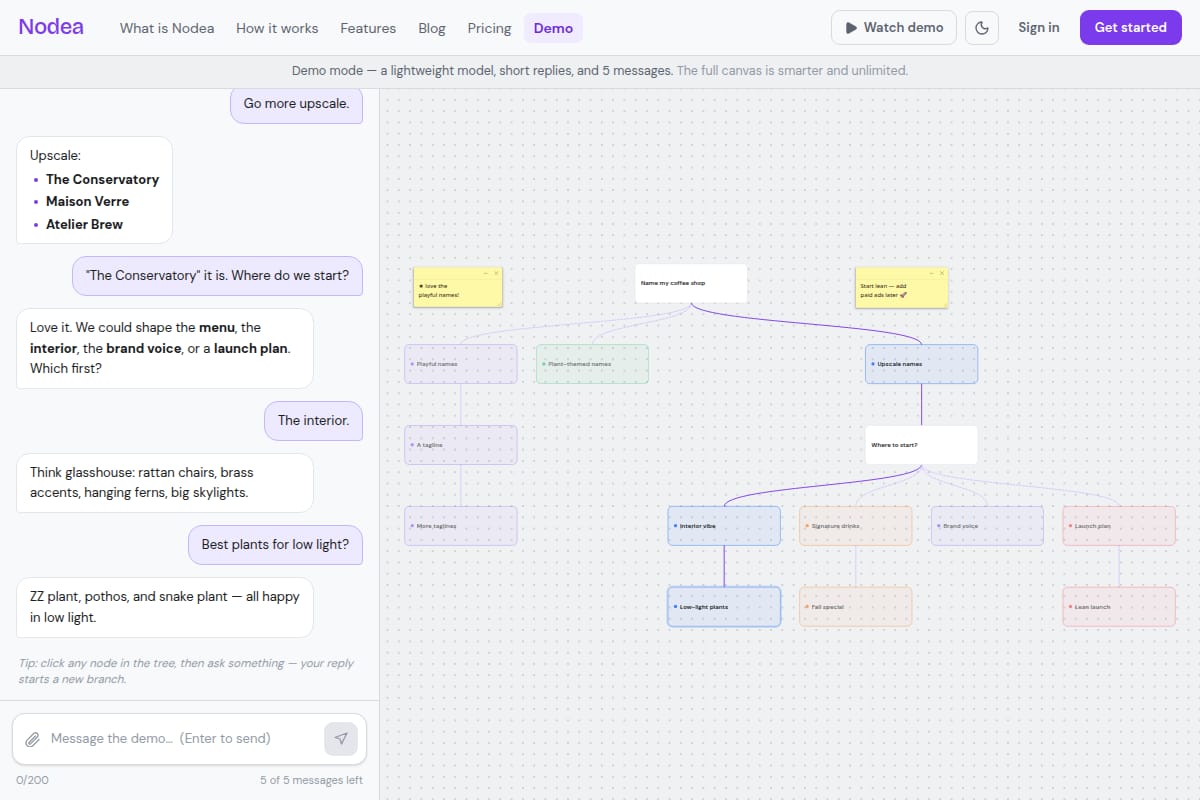
Nodea screenshot
#1434 Nodea
80

AI Product / Chat / Canvas

Nodea is a live branching AI chat canvas for working through complex projects. The demo shows forkable replies that turn conversations into trees, with example prompts for naming a coffee shop and shaping branding ideas.

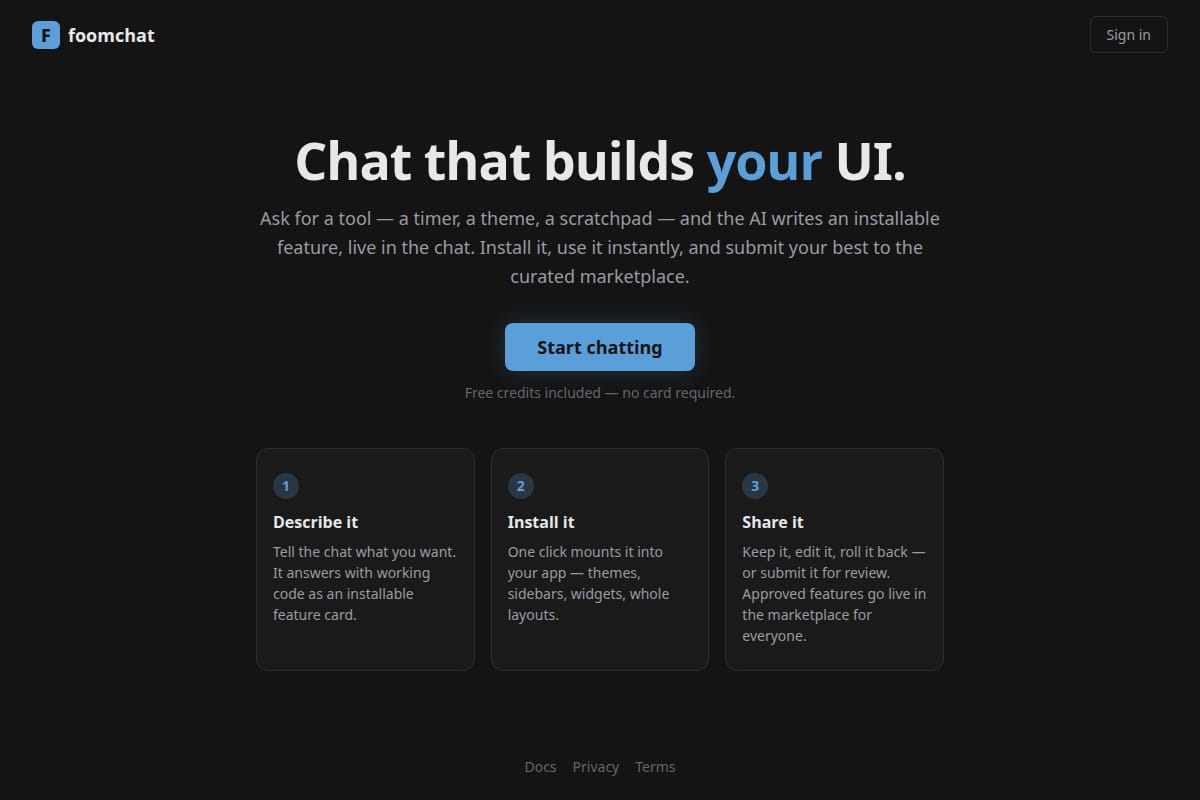
foomchat screenshot
#1562 foomchat
78

AI Product / AI Chat / UI Builder

Foomchat is an AI chat that generates installable UI features from a user prompt. The page shows a simple workflow: describe a feature, install it into an app, and share it through a curated marketplace.