Developer Tools / Testing

qpilot

AI agent that runs plain-text manual test cases in a real browser. It pastes step-by-step tests into Chrome, executes them live, and reports pass, fail, or warn per step with support for captcha and OTP pauses.

Clear27/30
Useful27/30
Specific16/20
Complete14/20
qpilot screenshot

Why it was accepted

The page clearly describes a real AI-powered developer tool with a focused use case: automated execution of plain-text manual test cases in Chrome. The README shows how it works, who it is for, supported providers, quick start instructions, and concrete examples of test cases and batch runs, which is enough for a useful directory listing.
Weakness

The snapshot does not show deeper product details such as limits, pricing, team status, demo screenshots, or how reliable the agent is across different sites and workflows.

Review status

58 days ago #871 ↓ -6

Last evaluated 58 days ago. Current rank #871. Down 6 spots in the rankings.

Score history

84

Related listings

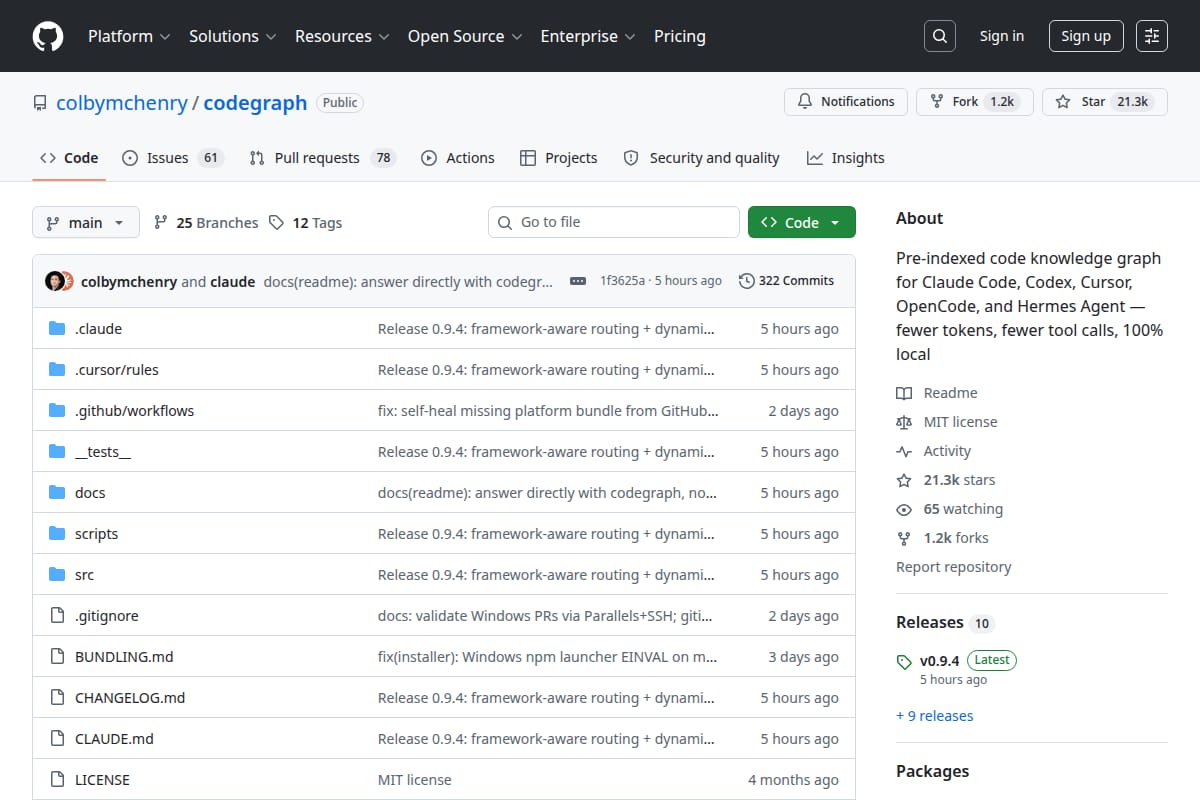
CodeGraph screenshot
94

Developer Tools / AI for Code

CodeGraph is a local code knowledge graph for AI coding agents like Claude Code, Cursor, Codex, OpenCode, and Hermes Agent. It aims to cut token use, tool calls, and runtime by letting agents query pre-indexed code structure instead of scanning files repeatedly.

Traccia screenshot
#3 Traccia
92

Developer Tools / Code Assistant

Traccia is an AI agent observability and governance platform with OpenTelemetry-native tracing, runtime policy enforcement, prompt registry, evals, cost attribution, and compliance evidence export.

scribe screenshot
#5 scribe
92

Developer Tools / AI Agents

Single-binary CLI that builds an AI agent knowledge base from git repos, Claude Code/Codex sessions, and saved links. It generates a portable markdown wiki, runs on cron, supports local Ollama mode, and exposes the result for agents via CLAUDE.md/AGENTS.md and MCP.

LLMRender screenshot
92

Developer Tools / React Libraries

A lightweight React Markdown renderer with built-in LaTeX, syntax highlighting, streaming-safe rendering, and security-focused defaults.